New WooCommerce shop
A shop with a theme written from scratch for your design (Sage, Bedrock) or a quicker build on an adapted GeneratePress theme.
I build new WooCommerce shops and develop existing ones: custom theme, online payments, product bundles, and integrations with ERP systems and Baselinker.

WooCommerce is a WordPress extension that turns a website into a full shop: products, cart, payments, shipping and orders are all managed in one admin panel. Its big advantage is flexibility: when ready-made extensions are not enough, the shop can be extended with custom features.
That is how features in my projects were built: product bundles and price lists generated from products in LaserCare, or shared stock levels across different products in Johny Wick. Integrations with ERP systems and Baselinker reduce manual copying of orders and stock levels.
I match the scope to the scale of sales. A simpler shop can launch on an adapted GeneratePress theme, and a larger one on a theme written from scratch on Sage and Bedrock, with more freedom in design and growth.
A shop with a theme written from scratch for your design (Sage, Bedrock) or a quicker build on an adapted GeneratePress theme.
New features and fixes in a running WooCommerce shop.
Connecting payment gateways, e.g. Przelewy24.
Product bundles and price lists generated dynamically from products.
Connecting the shop with ERP systems and Baselinker, so orders and stock levels do not need manual copying.
Events for GA4 and GTM, including purchases, form submissions and phone clicks.
Customers see these elements with every purchase, and I pay attention to them when building a shop.
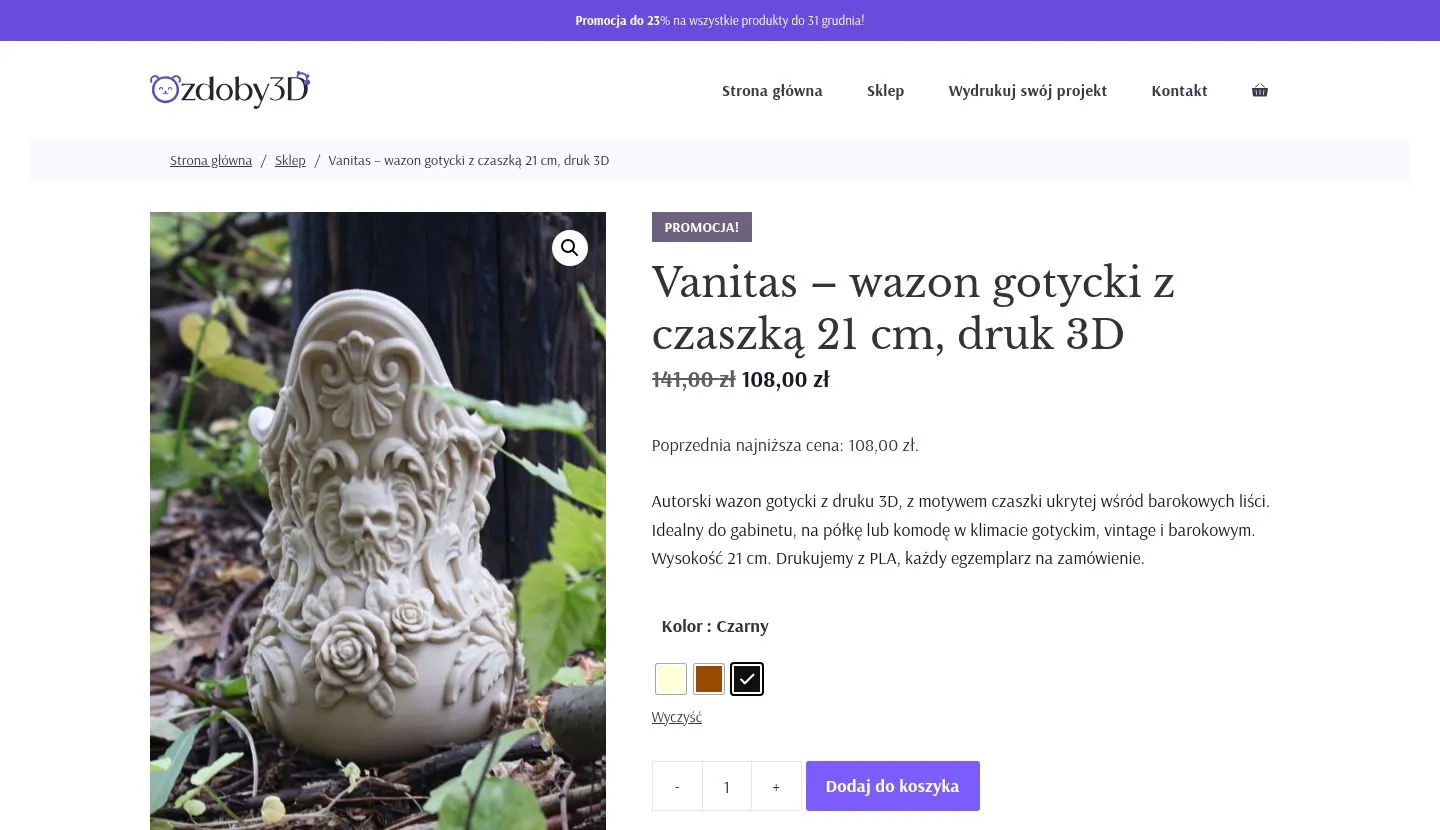
The product page is where customers decide. Good photos, a clear description, specifications, availability and clear delivery information all matter. During the build I make sure the key information and the buy button are easy to see on phones too.
A well-thought-out category structure shortens the path to a product. Well-described categories also matter for search engines, because they often answer customers’ general queries, e.g. about a type of product.
Customers should be able to pay the way they are used to. Payment gateways such as Przelewy24 support methods popular in Poland, including fast bank transfers and BLIK. Delivery costs and methods are best shown early, so customers are not surprised in the cart.
When you sell through several channels or use an ERP, copying orders and stock levels by hand quickly leads to mistakes. An ERP or Baselinker integration moves this data automatically. Unusual rules, like shared stock across different products in Johny Wick, may need custom logic.
A shop with many products and plugins easily slows down. Cutting unnecessary extensions, optimising images and using a theme without bloated code help keep loading fast, on phones too.
E-commerce events in GA4, including purchases, show which traffic sources bring sales. I set them up so they can be used right away in Google Tag Manager and when evaluating ad campaigns.
Many things in WooCommerce can be done with a plugin. It is not always the best route, though.
It is worth checking first whether a proven ready-made solution exists, and building custom features where they are really needed.
A shop can also run on a subscription (SaaS) platform.
For simple shops a subscription platform can be enough. WooCommerce has the edge when the shop needs to grow with custom features and integrations.
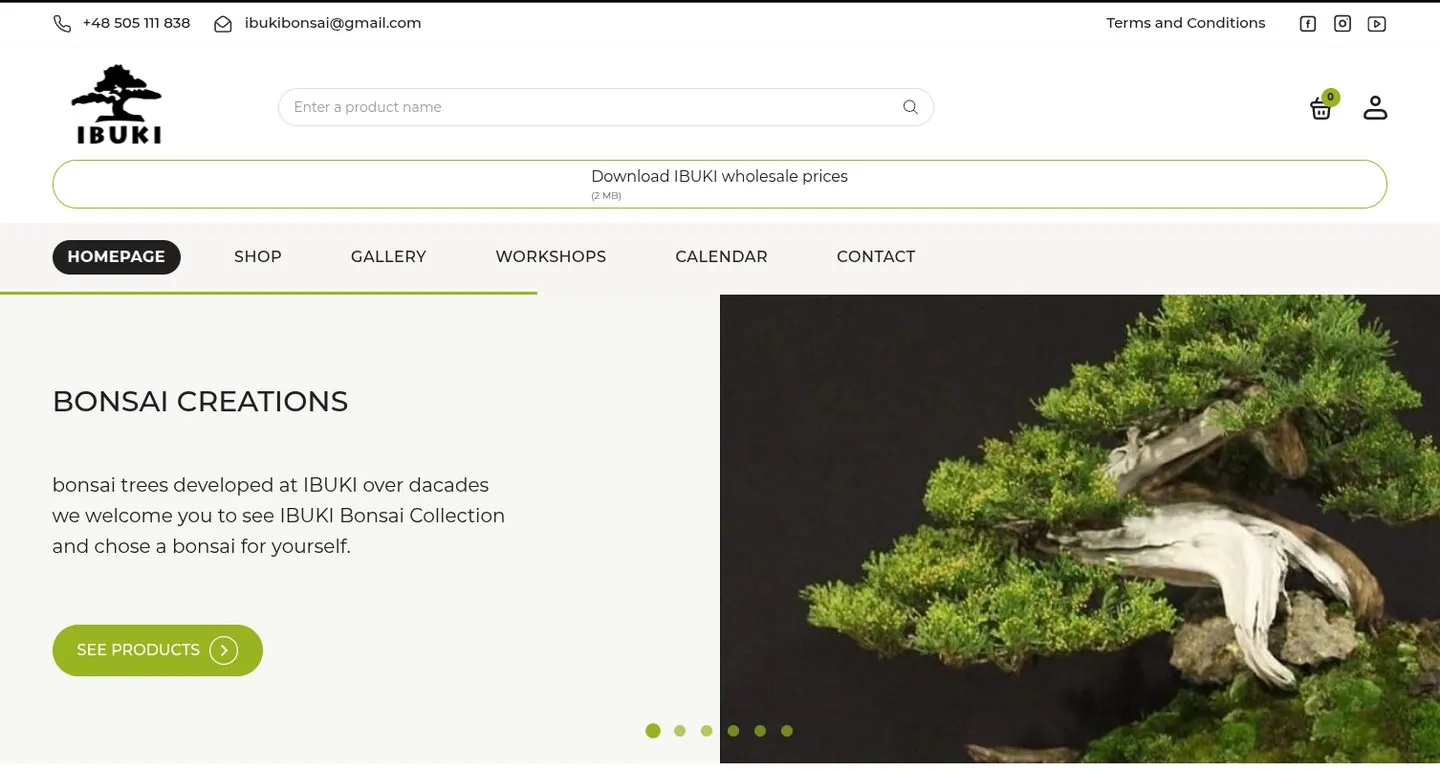
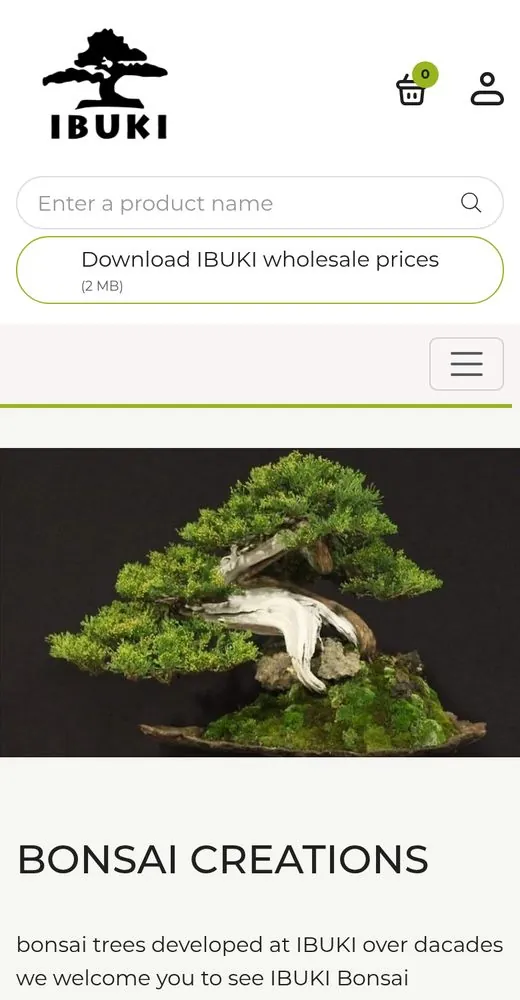
An online shop selling bonsai trees. Theme written from scratch; the design was created by a designer I brought in, based on a brief and my guidelines.
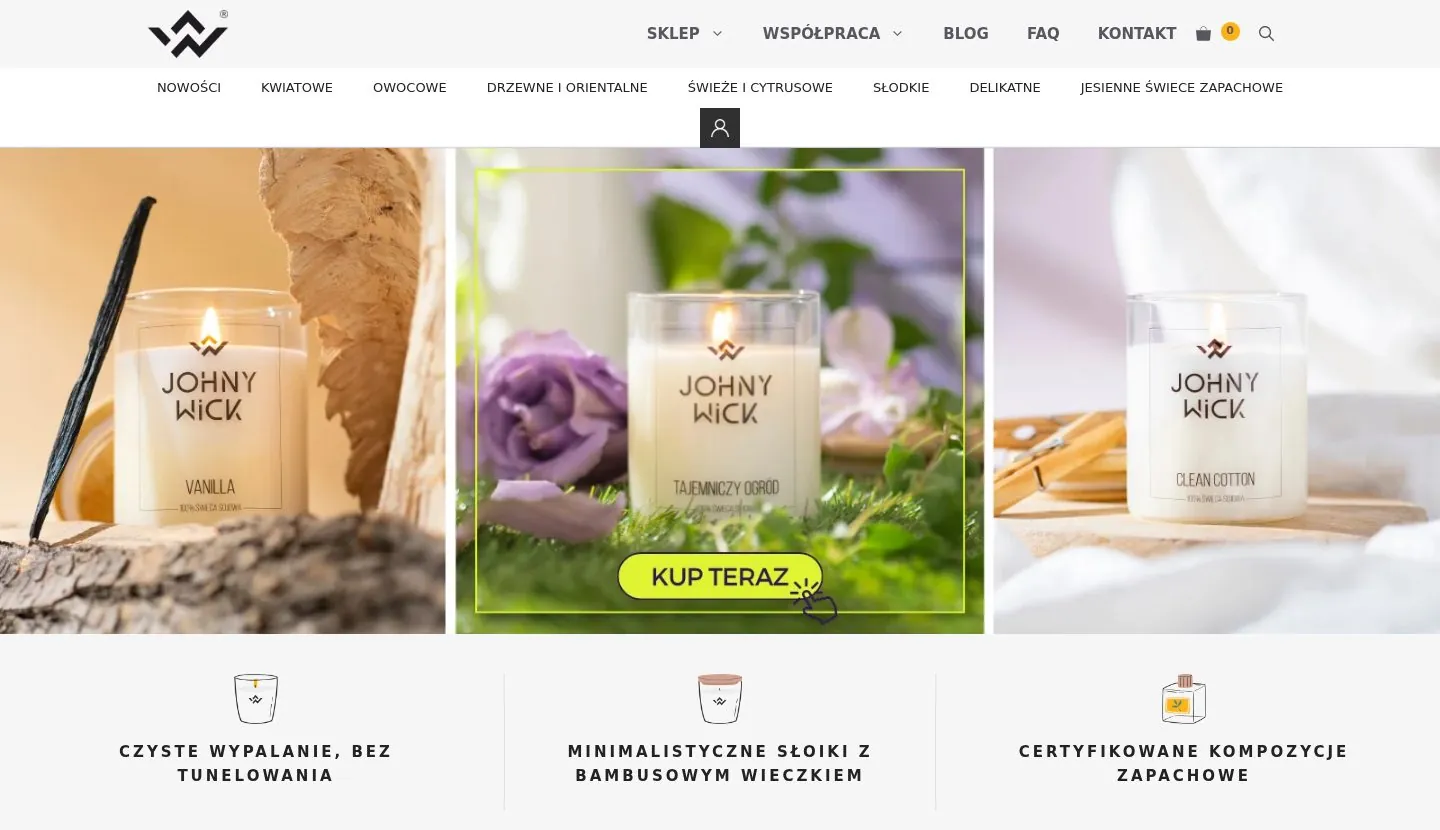
A scented candle shop on the GeneratePress theme, extended with custom features: adding labels and shared stock levels across different products, including group purchases.
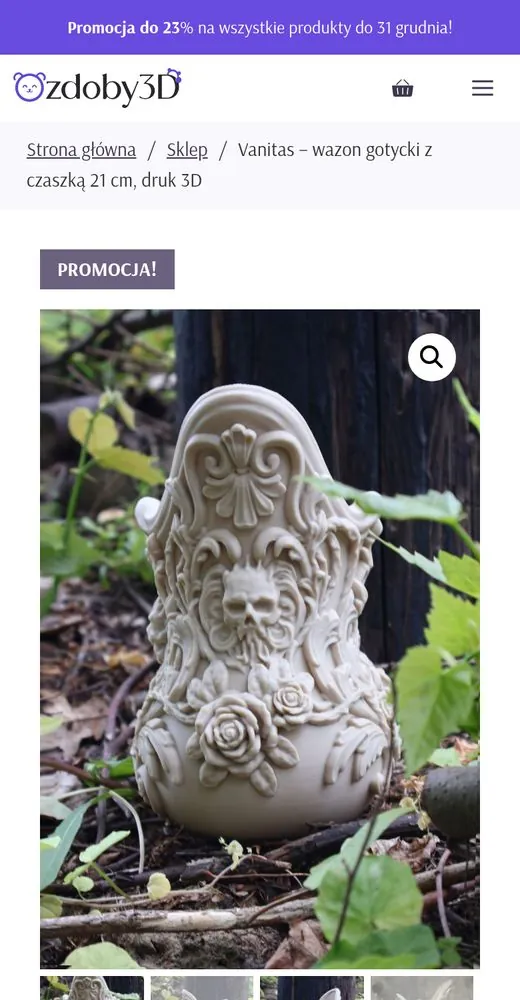
A shop for an aesthetic medicine clinic: price lists generated dynamically from products, product bundles and Przelewy24 payments. Theme written from scratch based on a provided design.
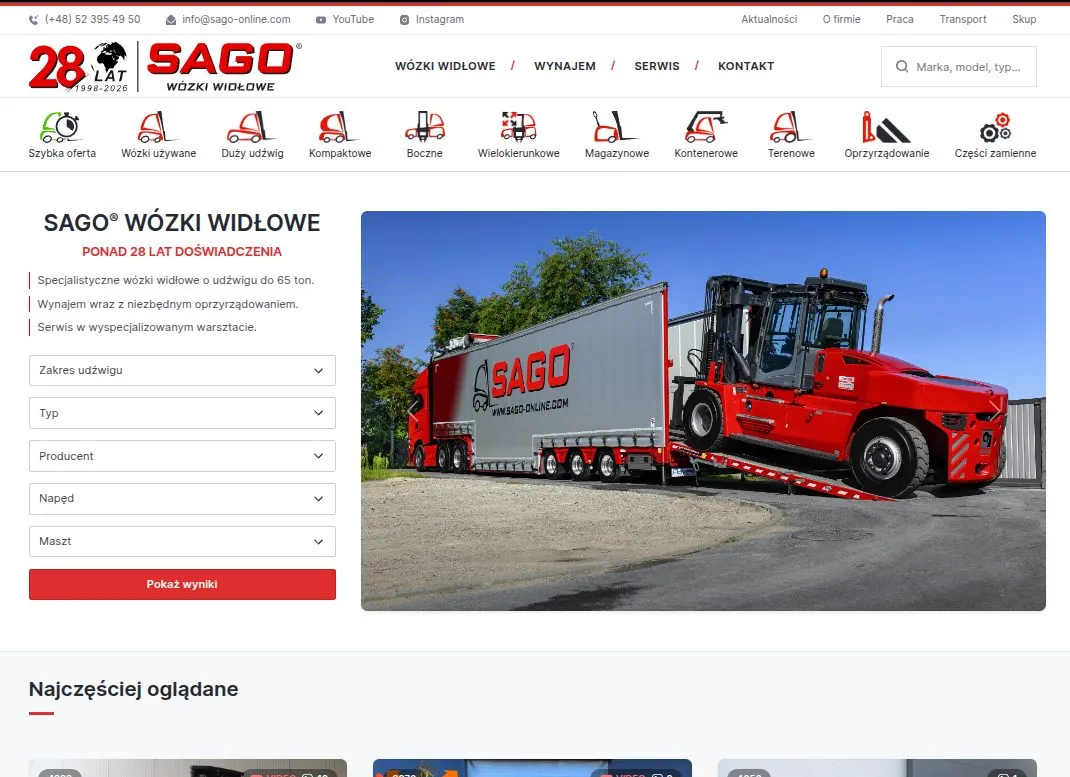
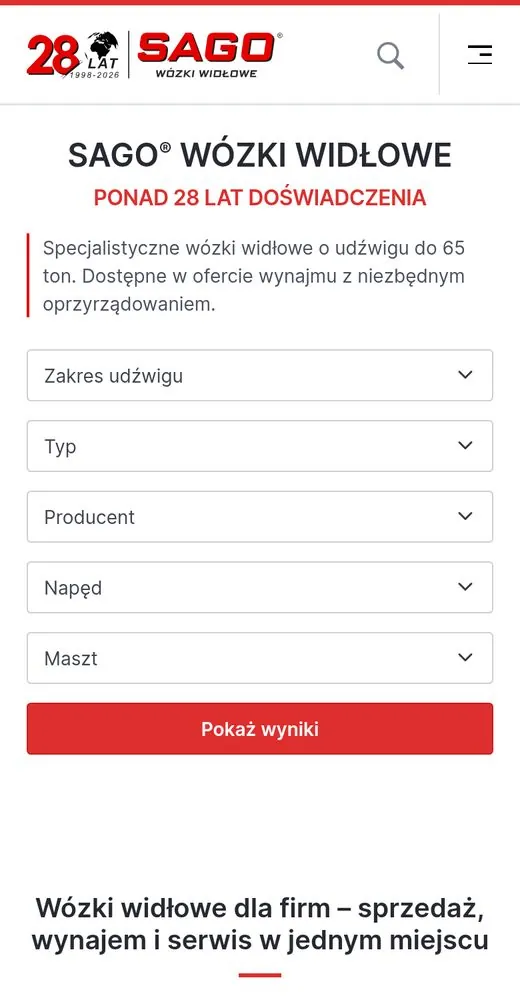
A product catalogue without prices, built on WooCommerce. Frontend and backend built from scratch based on a provided design.
We go through your range, variants, payment and delivery methods and the systems to connect. Based on that you get a quote and a work plan.
A simpler shop runs on a customised GeneratePress theme, a larger one on a theme written from scratch on Sage and Bedrock.
I set up payments and shipping, build features that off-the-shelf extensions lack, such as bundles or shared stock levels, and connect the shop to an ERP or Baselinker.
I test orders with payment and shipping and check e-commerce analytics, then switch sales on.

For larger shops I write the theme from scratch on Sage and Bedrock, which keeps Composer dependencies and environment configuration in order. For simpler builds I adapt the proven GeneratePress theme to the brand.
When sales require business logic beyond what WooCommerce offers, I suggest a custom solution in Laravel or Symfony.
You do not need everything. Products, payments and integrations tell me the most about the cost of a shop.
The number and types of products, e.g. variants, sets, bundles.
Preferred payment and delivery methods.
Systems the shop should connect to, e.g. an ERP or Baselinker.
The address of your current shop, if we are extending it.
A design, or examples of shops you like.
Expected date to start selling.
Missing some of this? We will work it out together during the first call.
Get a shop quoteEvery quote is prepared individually. The more of this you include in your enquiry, the faster and more accurately I can estimate cost and timeline.
Get a quoteThe price depends on scope: number of templates, design, payments, sales features and integrations. After a short call I prepare a quote with a detailed scope and schedule.
Yes. I add new features and fixes to running WooCommerce shops. We agree the scope and way of working once I have looked at the shop.
I connect online payment gateways, e.g. Przelewy24, as in the LaserCare shop. We choose the provider when preparing the quote.
Yes. I integrate shops with ERP systems and Baselinker, so orders and stock levels do not need manual copying.
Yes. Sago Online is a product catalogue without prices built on WooCommerce. Such a catalogue can later be extended with online sales.
No. For Ibuki Shop the design was created by a designer I brought in, based on a brief and my guidelines. If you already have a design, I will build it.
It depends on the size of the project. I set the timeline before we start and split it into milestones, so you always know where the project stands.
Yes. I set up e-commerce events for GA4 and Google Tag Manager, including purchases, form submissions and phone clicks.
Yes, as separate paid care: updates, backups, fixes and new features, billed as a monthly plan or hourly.
The WooCommerce plugin itself is free. Costs include hosting, any paid extensions, payment provider fees, and building and maintaining the shop.
Briefly describe what you sell, what the shop needs and the expected timeline. I will reply within one business day with suggested next steps.